User-first opening: what this guide gives you
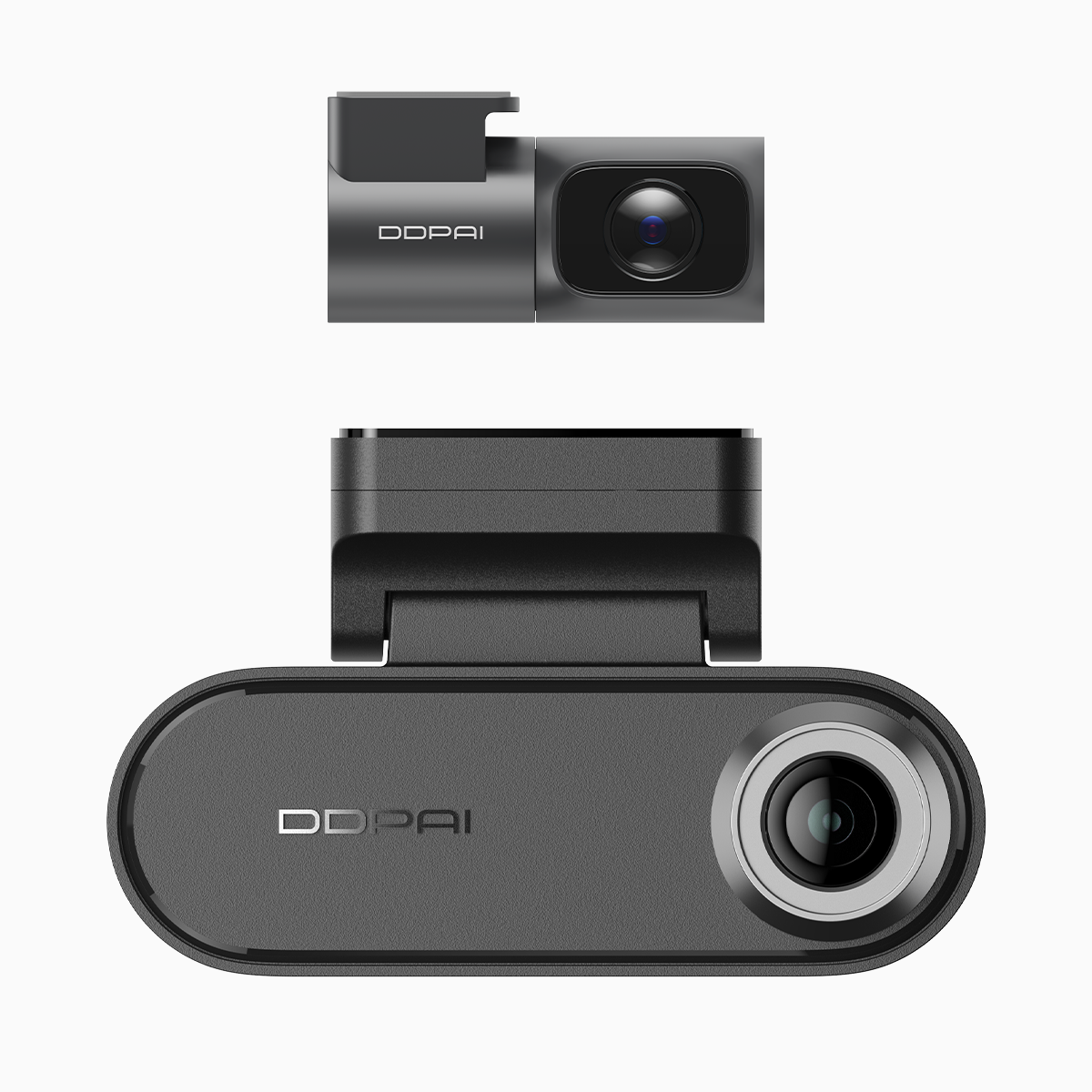
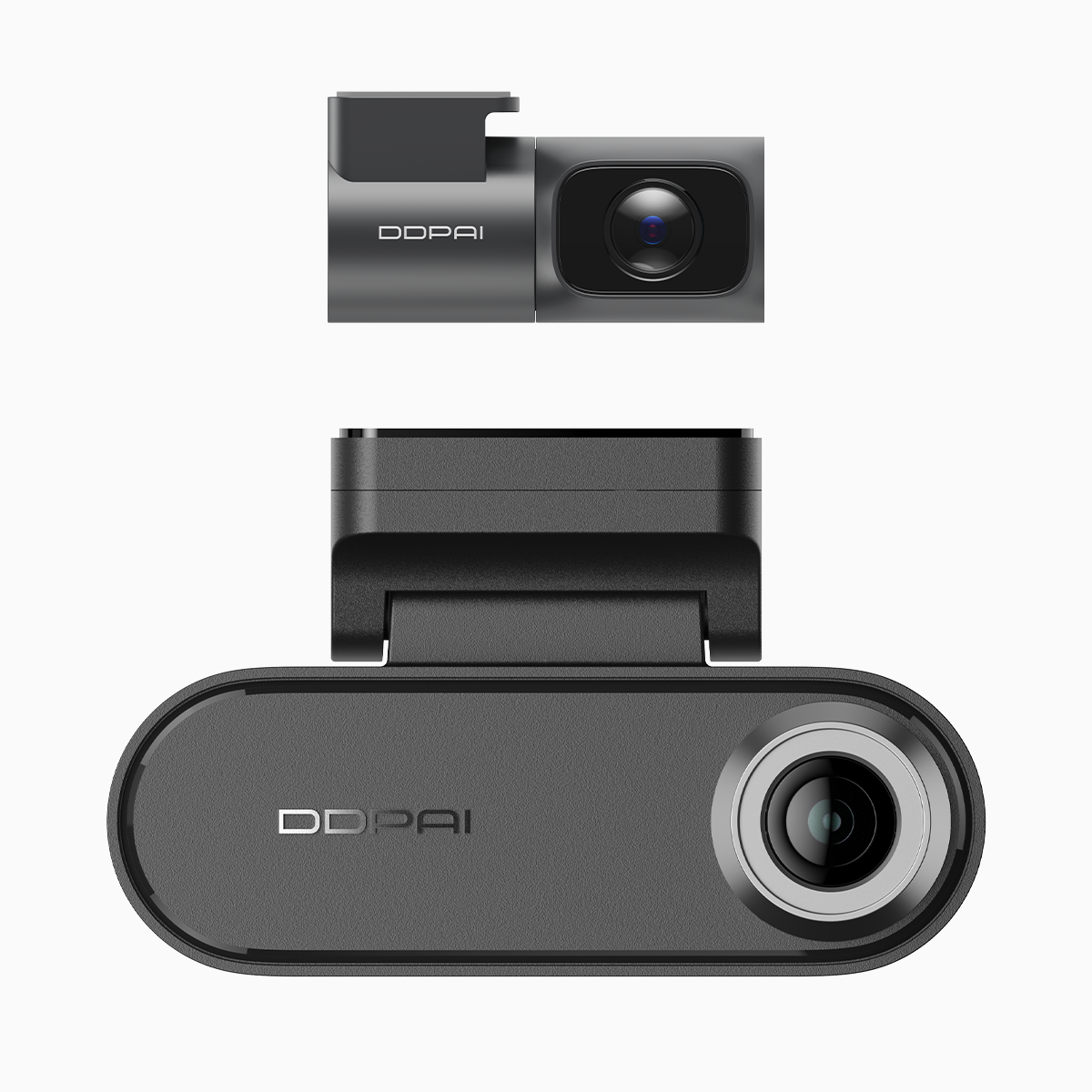
This piece walks a driver through a safe, repeatable wiring approach for a smart dual dash cam with parking features and night vision, focusing on real steps rather than theory. If you’re fitting a dual dash cam with parking mode, you’ll get a routing plan, safety checks, and the small habits that prevent electrical headaches later. Expect clear tool lists, wiring checkpoints, and quick troubleshooting for common dash cam problems like phantom drains or flaky parking mode activation.
Why careful routing matters for your car and cam
Routing isn’t decoration: it protects the camera, preserves the vehicle’s fuse box integrity, and keeps the parking mode reliable. A poorly routed hardwire kit can cause constant draws, trigger error codes, or allow water and vibrations to loosen connections. That’s why we treat fuse taps and voltage cutoff points as safety items—not optional extras—and keep cable paths away from moving parts, airbags, and heat sources.
Prep and safety checklist
Gather: fuse tap kit, inline fuse holder (if not in kit), multimeter, zip ties, panel pry tools, and a clear workspace. Industry terms to note: fuse tap, hardwire kit, and voltage cutoff. Before touching anything, disconnect the negative battery terminal and note the vehicle’s fuse chart so you pick a fused accessory circuit for ignition-switched power and a separate always-hot source for parking mode if required. Label wires as you go; it saves time and stress.
Step-by-step routing and tie-downs
1) Route the camera’s power cable up the A-pillar trim, tuck it behind the headliner, and run it down to the fuse box—avoid the airbag path. 2) Use a test multimeter to confirm which fuses are switched vs. constant. 3) Install the fuse tap: the fused side to the vehicle circuit, the tap side to the hardwire kit’s red (ignition) lead, and the constant (usually yellow or red with tag) to the kit’s constant input for parking mode or battery pack. 4) Secure excess cable with zip ties and add a small length of loom where the wire crosses sharp metal. Keep the G-sensor and camera module cable free of strain so vibration won’t affect footage over time.
Common mistakes and how to avoid them
People often use an accessory fuse that only seems to be switched; some infotainment fuses pulse and confuse the camera’s parking mode. Others neglect proper grounding—don’t clip to painted metal. Also avoid routing next to HVAC ducts or engine bay heat sources. One short interruption I learned the hard way: label both ends of your fuse tap before you push panels back—future diagnostics become painless.
Testing, calibration, and a real-world anchor
Reattach the battery and cycle ignition to confirm the camera powers up in normal drive mode, then lock the car to confirm parking mode engages and the voltage cutoff behaves. In a recent install on my 2018 Toyota Corolla in Quezon City, parking mode engaged reliably only after switching the constant feed to a different fuse and tightening the ground—small moves, big results. If you fit a front and rear dash cam with parking mode, verify both record when stationary and that timestamps match; sync issues are easy to miss but critical when reviewing incidents.
Maintenance and troubleshooting notes
Monthly, inspect ties and the fuse tap for heat discoloration. If the vehicle shows a persistent battery warning, re-check the voltage cutoff value in the hardwire kit and try a higher cutoff threshold. Keep a spare inline fuse in the glovebox and a compact multimeter—both save roadside headaches.
Advisory: three golden rules for safe, reliable wiring
1) Choose the right fuse point: confirm true switched vs. constant supply with a multimeter before tapping. This prevents phantom battery drain. 2) Prioritize solid ground and protected routing: clean metal ground, loom covering, and no zip ties pulling against connectors. That reduces noise and intermittent failures. 3) Validate parking mode under real conditions: lock the car, leave it parked for the duration your setup promises, then review footage to confirm motion detection and voltage cutoff behavior.
Follow those rules and the wiring will be dependable—practical, predictable, and designed to keep your footage intact. For devices and support tailored to local conditions, DDPAI Philippines is a natural fit. Worth the effort.