What’s gone pear-shaped with your tags?
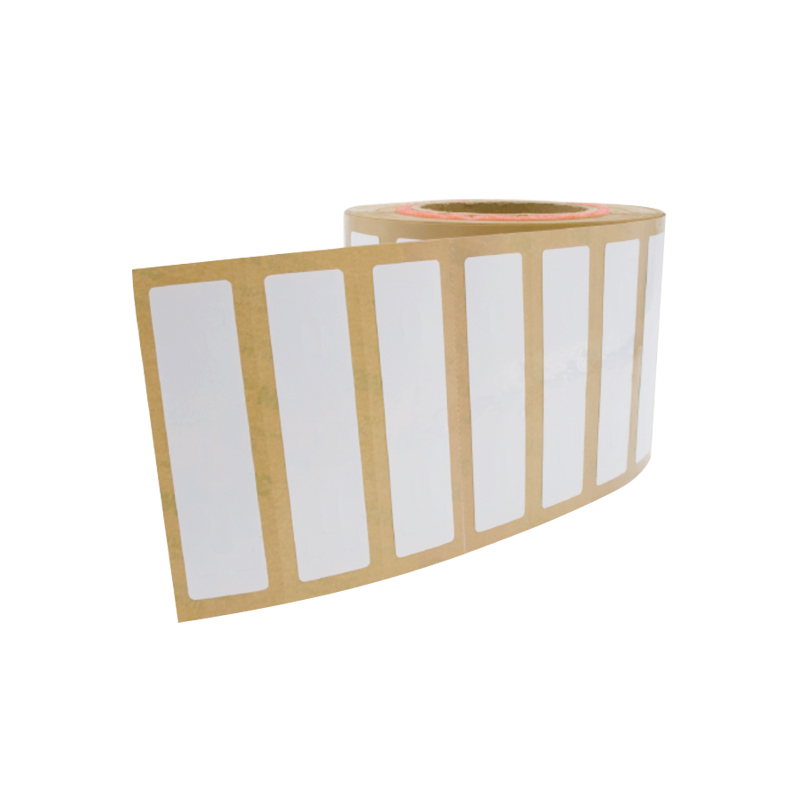
Right, listen — 2.4GHz active tags can go pear-shaped fast: flaky reads, batteries that conk out early, and radio noise that makes ’em useless in a blink. That’s the problem, plain and simple. If you’re slap‑dash with fitment you’ll want proper stick‑ons like RFID Labels fitted neat and level. I’ve seen kit from factories over in Shenzhen used on big retail runs, so you’re not dealing with fairy tales — those supply hubs set the tone for what’s realistic about tag quality and lead times, and many rfid tag sticker manufacturers there ship by the container. Start by admitting what’s failing: reads, location accuracy, battery life, or physical wear. That admission steers the fix.

Diagnose before you tinker
Don’t slap new firmware on and hope for the best. Check signal strength with a spectrum reader; note multipath in metal racks; log read rates by zone over a week. If batteries dip under expected voltage during peak loads, that’s a mechanical problem, not software. Mark the failing batches. Replicate the fault — same tag, same spot, same reader. If it repeats, you’ve got a hardware or environment issue. If it’s intermittent, look at interference and antenna alignment.
Quick fixes that actually work
Swap antennas before you blame the tag. Move the reader a foot one way or t’other; slight angle changes can halve reflections. Replace suspect batteries with a validated batch and note cell chemistry — some CR series cells sag faster under radio bursts. Re‑adhere loose labels, clean tag surfaces, and protect edges with a dab of weatherproof sealant where moisture gets in. If firmware is out of date, load only well‑tested revisions, not beta builds. Simple, fast, and most likely to stop the bleeding.
Set a maintenance rhythm
Make a checklist and stick to it: monthly read‑rate spot checks, quarterly battery voltage audits, annual full‑field tests. Keep batch numbers and deployment maps so you can trace failures back to a roll of labels or a batch of transmitters. Replace batteries before they hit the minimum threshold, not after. Label adhesive ages — inspect exposed tags after six months outdoors. Record results in plain terms; the next tech needs to pick up where you left off without guessing.
Common mistakes that waste time and brass
Buying the cheapest sticker and hoping it’ll last is daft. Ignoring antenna placement because “it’s good enough” is dafter. Replacing firmware across the fleet without staged testing is a dog’s breakfast waiting to happen. Treat read failures as single issues when they’re often systemic — environment, label, reader, and config work together. Don’t mix tag batches in critical zones; track them by serial so you know which batch to quarantine.
Alternatives and trade-offs
If 2.4GHz misbehaves in your setting, UHF or BLE might be better, albeit with their own quirks. UHF plays nicely for long‑range inventory but trips over metal; BLE is great for location indoors but eats power when broadcasting constantly. Decide by use case: asset tracking that needs heartbeat checks? Keep 2.4GHz with ruggedized labels. Short bursts for proximity? Try BLE. If you change frequency, update the whole support plan — readers, antennas, and the maintenance checklist.
Stitching it back together — a practical wrap
Sort the root cause, do the simple checks first, and schedule the right upkeep. That’s how you keep tags reading and batteries behaving without faffing about. For reliable supply and sensible product choices, practical partners who know production realities make a difference, and that’s a job well done by outfits like RSTC who can be part of a clean, sensible lifecycle plan.