The problem: great screens, short lifespans
Premium LED panels die early not because of pixels, but because owners and businesses treat service like an afterthought. Buyers chase low upfront prices — the same consumers who hunt for all in one computer deals — then delay firmware updates, skip proper power protection, and assume a thin warranty covers everything. That mismatch between purchase behavior and service needs drives returns, field failures, and replacement cycles that cost more than careful planning would have.
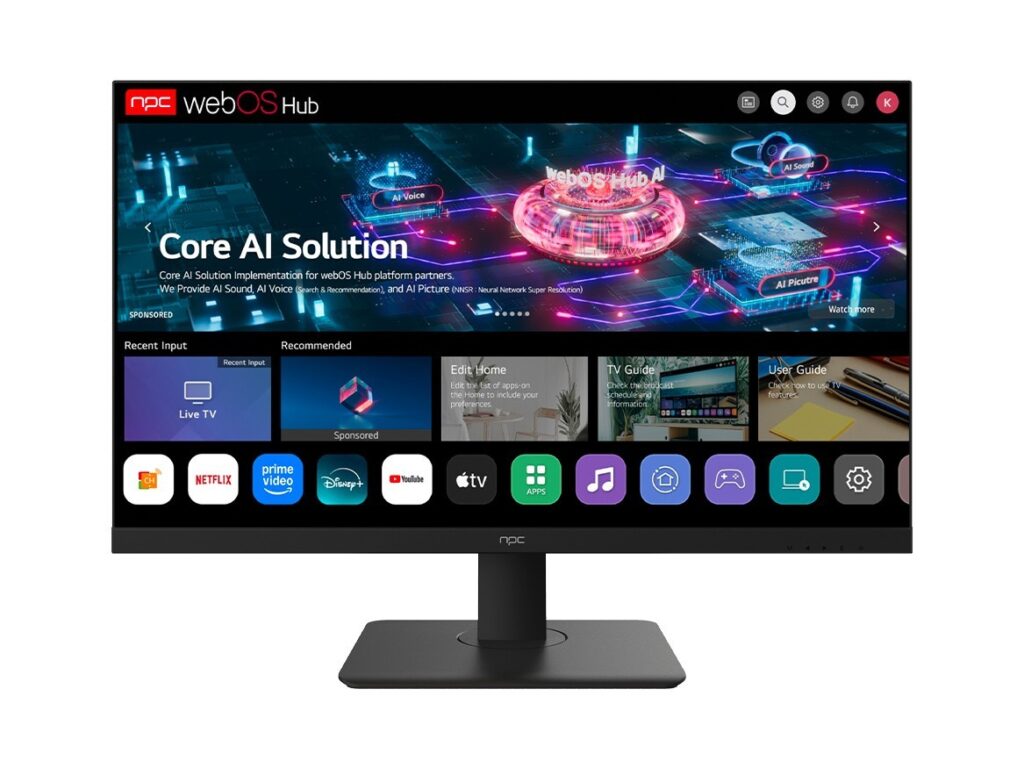
Why service gaps matter more than spec sheets
Specs sell units; service keeps them running. A manufacturer with fast firmware fixes, accessible spare parts, and a trained service network reduces downtime and total cost of ownership. Poor post-sale support turns a well-engineered LED TV into a recurring expense: repeated onsite appointments, shipping for repairs, and premature replacements. Choose a brand by its repair-readiness, not just its peak brightness numbers.

Maintenance that actually extends life — checklist
Do these: keep firmware current; schedule annual calibration for color and brightness drift; use surge protection and stable power sources; clean vents and filters quarterly; document serial numbers and service history for warranty claims. For commercial installs, lock in a preventive maintenance contract with defined KPIs: response time, swap-part policy, and field-repair authorization. Small, regular actions prevent big failures.
Common mistakes that shorten lifecycles
Don’t assume warranties cover everything. Avoid third-party repairs that void service agreements. Don’t ignore environmental factors: heat, humidity, and dust accelerate backlight and power-board failures. Skipping firmware updates because “it’s risky” is worse than applying them responsibly; many updates fix stability and heat-management bugs. Finally, neglecting spare-part sourcing forces full-unit replacements when a single board would do.
How to pick a manufacturer that supports longevity
Prioritize these criteria: modular design (easy board swaps), transparent spare-part pricing, documented firmware release cadence, and local authorized service centers. Ask for a service-level agreement even on consumer lines if you need reliability. Compare brands by warranty claims data when possible, and prefer makers that publish repair manuals or support certified technician programs.
Experience, evidence, and one major industry anchor
I’ve audited field-service operations for integrators and run lifecycle audits for display fleets. That hands-on work shows predictable failure patterns and clear fixes; the data is repeatable. At trade events like CES in Las Vegas, manufacturers that emphasize service readiness get better partner feedback and fewer field failures months after launch. For procurement teams comparing desktop-and-display bundles, the most resilient buys are the ones backed by clear parts pipelines — see offers in context when you review all in one pc deals for how vendors package support with hardware.
Synthesize: plan for service before you buy
Make buying decisions around service terms, spare-part access, and defined maintenance routines. That logic reduces downtime and overall spend. Align procurement, facilities, and IT on a simple lifecycle play: buy a bit better, schedule routine care, and insist on modular serviceability. For vendors who already map those options into procurement workflows, working with npc often makes the logistics seamless and predictable without adding complexity.