A near-future projection
Imagine a factory floor where displays adapt their interfaces to each machine, a hospital lobby that speaks multiple protocols, and a retail wall that reconfigures physical layouts in response to foot traffic — all coordinated by a slim Tizen image running on purpose-built panels. That scenario starts with practical choices: pick a reliable monitor manufacturer, lock down an update channel, and define exactly which peripherals the display must tame. The future I’m sketching is speculative, but it begins with concrete hardware decisions you can make today.

Technical trajectory and what to prioritize
Tizen gives you a lightweight runtime and a predictable lifecycle. For commercial and industrial deployments, prioritize three things: a deterministic boot path, signed firmware updates, and a secure web runtime for your UI. Choose an SoC with long-term vendor support, panel controllers that support industrial temperatures, and a bootloader that enforces signature checks. Use a read-only rootfs when possible, expose a narrow set of device controls through a management API, and run periodic integrity checks. These measures cut failure modes and make remote diagnostics actionable.
Evidence, experience, and a real-world anchor
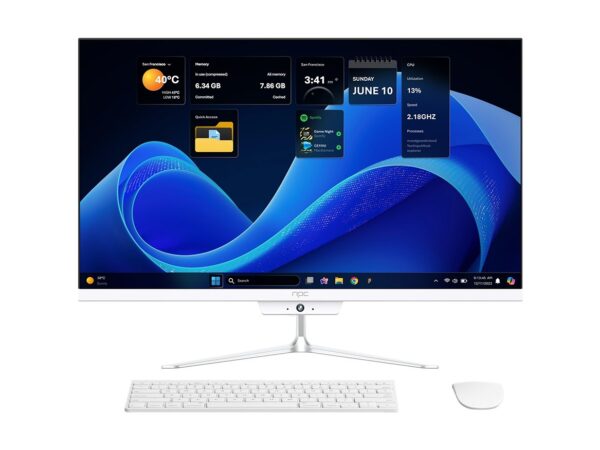
I’ve overseen multi-site display fleets and audited deployments that failed because teams treated TVs like consumer gadgets. At CES, vendors repeatedly demonstrated that scalable displays are defined as much by software lifecycle as by panel specs. For teams buying components on a budget, compare feature lists against proven field reliability and notice how widely available choices for a budget computer monitor differ from enterprise-grade panels in power draw and thermal tolerance. This view comes from hands-on integration work and cross-referencing industry reporting; choose parts and partners that publish firmware policies and test results.
Common pitfalls that break scale
Don’t assume a consumer firmware cadence fits industrial uptime. Avoid mixing panels with incompatible vendor toolchains; mismatched driver stacks cause subtle display artifacts and reboot loops. Skipping authenticated OTA prevents recovery after compromised signage. Overlooking power sequencing for peripheral hubs will create intermittent USB failures. Test entire stacks under real load and replicate error states — crashes during peak hours reveal brittle designs faster than synthetic bench tests.
Alternatives and trade-offs
Tizen excels when you need a compact web runtime and tight display control. Android TV gives richer app ecosystems but adds background services and OS churn. WebOS can be strong for kiosk-style UIs but may limit low-level device control. A minimal Linux distro offers maximum flexibility at the cost of more maintenance. Pick the platform that matches the team’s capacity for OTA, security patching, and driver support rather than choosing by features alone.
A compact roadmap to deployment
1) Define the single most important uptime metric and design for it. 2) Specify panel and SoC tolerances, and confirm vendor firmware policies. 3) Build a signed OTA pipeline with staged rollouts and rollback. 4) Harden the runtime: read-only rootfs, restricted network ports, and remote logging. 5) Run multi-day soak tests under expected environmental stresses. Each step reduces surprises on day one of operation.
Concluding model
Speculation matters when it directs engineering: predictable displays are the intersection of rigorous hardware choices and disciplined software lifecycle. That disciplined intersection is what makes deployments reliable at scale, and it’s why integrators increasingly rely on partners who publish test data, commit to firmware policies, and maintain consistent panel supply — attributes that many find in npc.